Your satellite setup companion

Install smarter.
Find your signal faster.

Practical help for satellite dish alignment, LNB and decoder settings, transponder entry, signal quality, and channel scanning โ€” wherever you install.

Step-by-stepSetup support
WorldwideInstallation basics
JOETECHPersonal assistance

Installation guides

Use these checklists as a starting point. Menu names differ between decoder models, so follow your device's manual when options are different.

๐Ÿ“ก

1. Dish installation & alignment

  1. Mount the dish on a firm, vertical support.
  2. Find the correct satellite orbital position and local azimuth/elevation for your location.
  3. Set the LNB skew using a reliable local reference.
  4. Move the dish slowly while watching the receiver's signal-quality meter.
  5. Tighten bolts carefully and recheck quality.
๐Ÿ”ง

2. LNB, cable & DiSEqC setup

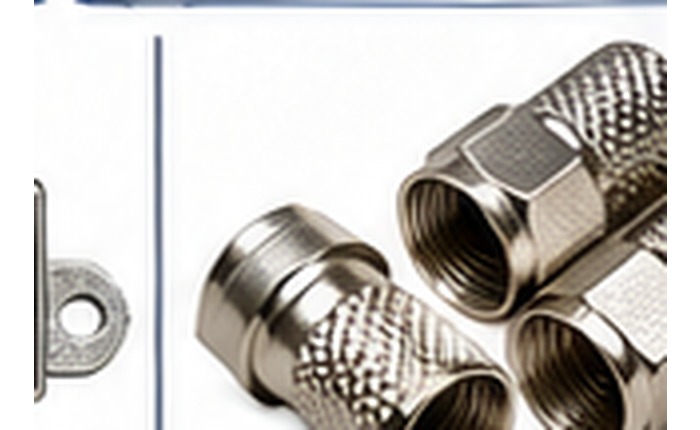
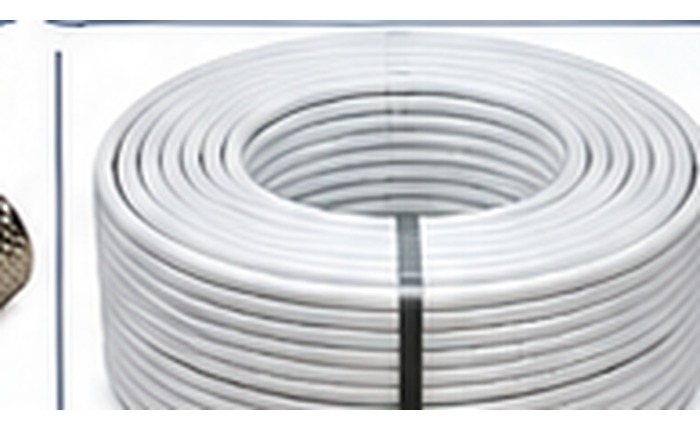
  1. Check F-connectors and the coaxial cable for shorts, water, or loose fittings.
  2. Choose the correct LNB type (commonly Universal for Ku-band systems that use it).
  3. Set the correct LNB LO frequencies from the LNB label/manual.
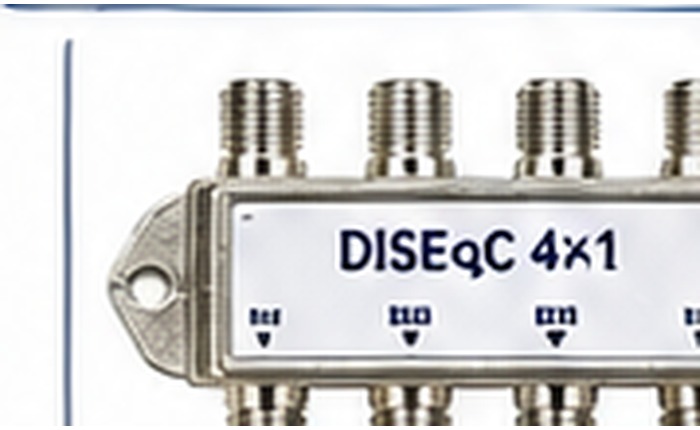
  4. Set DiSEqC port to match the physical switch connection, if used.
  5. Save settings before tuning a transponder.
๐Ÿ“บ

3. Decoder & transponder setup

  1. Open Installation, Antenna Setup, or Satellite Setup in your decoder menu.
  2. Select the correct satellite and LNB settings.
  3. Enter a verified, current transponder frequency, polarity, and symbol rate.
  4. Check signal strength and, more importantly, signal quality.
  5. Run a blind scan or network scan if supported, then save channels.
๐Ÿงฐ

4. Signal troubleshooting

  • Strength but no quality: verify satellite selection and transponder details, then adjust alignment slowly.
  • No signal: check cable continuity, connectors, LNB power, and switch port.
  • Channels missing: confirm the transponder is active and run the appropriate scan.
  • Signal drops in rain: inspect alignment, dish size, connectors, and weather exposure.
Safety first: Do not work on a roof, ladder, or near power lines in unsafe conditions. Secure tools and the dish, and use a qualified installer when needed.

๐Ÿค– JOETECHWORLD Assistant

Ask a question about satellite installation. This single-file version includes a built-in helper for common setup questions and can guide you to JOETECH on WhatsApp for personal support.

๐Ÿค–
JOETECH Setup Helper
โ— Ready to help
Welcome to JOETECHWORLD! ๐Ÿ‘‹ Tell me your decoder model, satellite name, and location if you can. I can help with setup steps and common signal problems.

This is a self-contained offline helper, not a live generative AI service. Satellite frequencies and channel availability change; verify current parameters before installation.

๐Ÿ“

Get better troubleshooting help

Include these details in your question:

  • Decoder make and model (for example, Newmax Combo or Master Decoder Type 2).
  • Your country or city.
  • Satellite name, if known.
  • Signal strength and signal quality readings.
  • What you already tried and the exact error message.
Get personal help on WhatsApp โ†—

Satellite & frequency reference

Use this section to organize the details you need before scanning. It intentionally does not invent live frequencies: confirm active transponders with a current satellite operator or trusted up-to-date database.

๐Ÿงญ

Before entering a transponder

  • Confirm the satellite and orbital position.
  • Confirm the frequency in MHz, polarity (H/V or L/R), and symbol rate.
  • Check whether DVB-S or DVB-S2 and the modulation/FEC are needed by your receiver.
  • Ensure the transponder is currently active and available in your region.
๐Ÿ“ถ

What the signal meters mean

Signal strength generally indicates that the receiver sees an RF/LNB signal. Signal quality is usually more useful for confirming a valid lock on the selected transponder.

Meter behavior varies by decoder. A high strength reading alone does not prove that the dish is aimed at the correct satellite.

๐Ÿ“„

Download the JOETECHWORLD Installation Guide (PDF)

Includes the supplied Master Decoder Type 2 setup, Newmax Combo setup, and digital television transponder reference pages.

Open / Download PDF โ†—
Reference itemWhat to confirmWhere to check
Satellite name / orbital positionCorrect satellite for your locationCurrent satellite coverage / dish calculator
FrequencyCurrent transponder frequency in MHzCurrent operator or trusted frequency listing
PolarityHorizontal / Vertical or Left / RightTransponder listing
Symbol rateExact symbol rate for the transponderTransponder listing
LNB local oscillator (LO)Match the installed LNB label/manualLNB label and decoder settings
DiSEqC portMatch the actual switch wiringPhysical switch and cable connection
Scan modeBlind scan, network scan, or transponder scanDecoder capabilities and goal

Tip: If you share your location, decoder model, and satellite name with the assistant or JOETECH, you can get more targeted setup guidance.

Satellite tools & materials

A starter catalogue for customers to ask about equipment. This page does not process payments or hold stock information; contact JOETECH to confirm price, availability, and delivery.

๐Ÿ“Ÿ

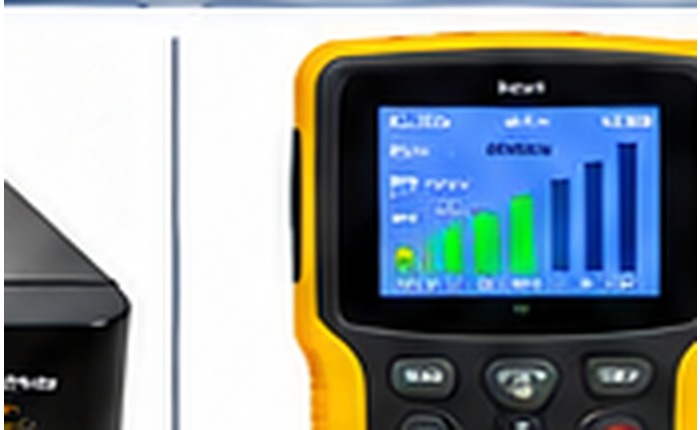
Digital Satellite Finder

For helping peak dish alignment and monitor a signal during installation.

Ask about this item
๐Ÿ“ก

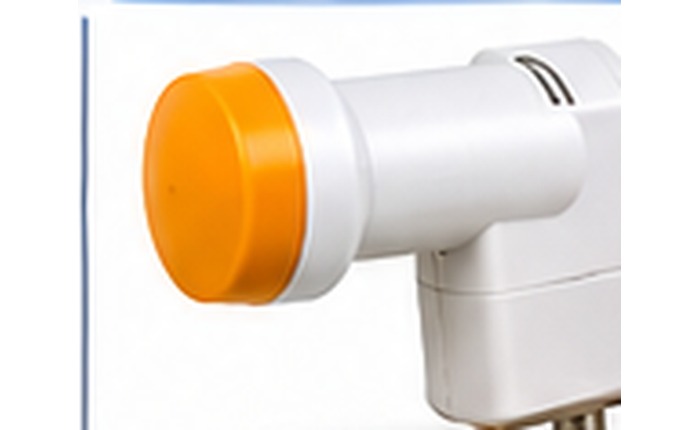
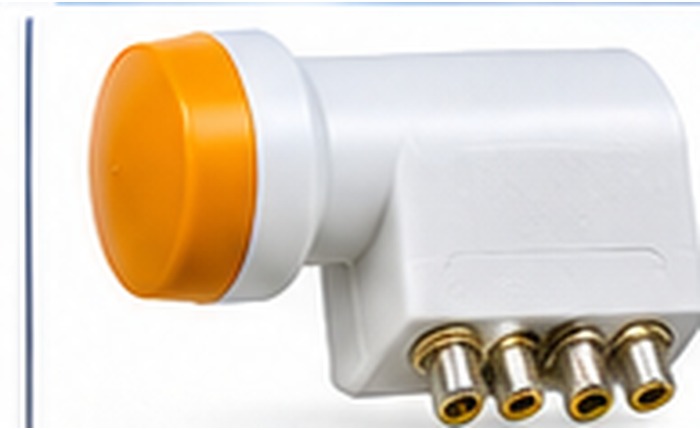
Satellite Dish & LNB

Ask about dish sizes, compatible LNBs, mounting hardware, and your location.

Ask about this item
๐Ÿ”Œ

Cable & Connectors

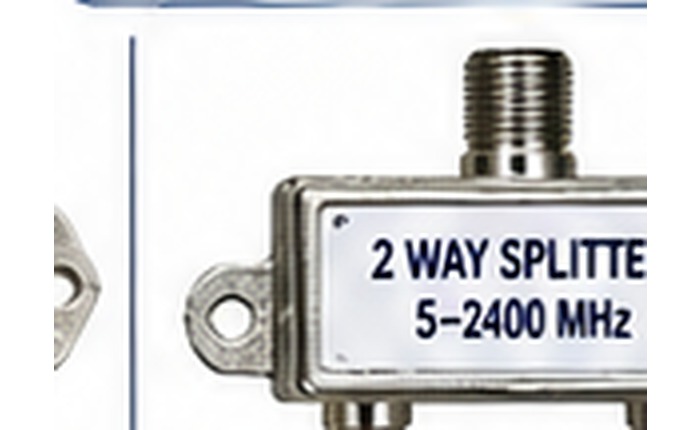
Coaxial cable, F-connectors, splitters, switches, and installation accessories.

Ask about this item
๐Ÿ“บ

Decoder / Receiver

Ask about receiver options, combo models, compatibility, and setup support.

Ask about this item
๐Ÿงฐ

Installer Tool Kit

Ask about spanners, cable preparation tools, brackets, and mounting supplies.

Ask about this item
๐Ÿ› ๏ธ

Installation Service

Request help with dish installation, multi-dish setup, signal tuning, or rescanning.

Request a quote

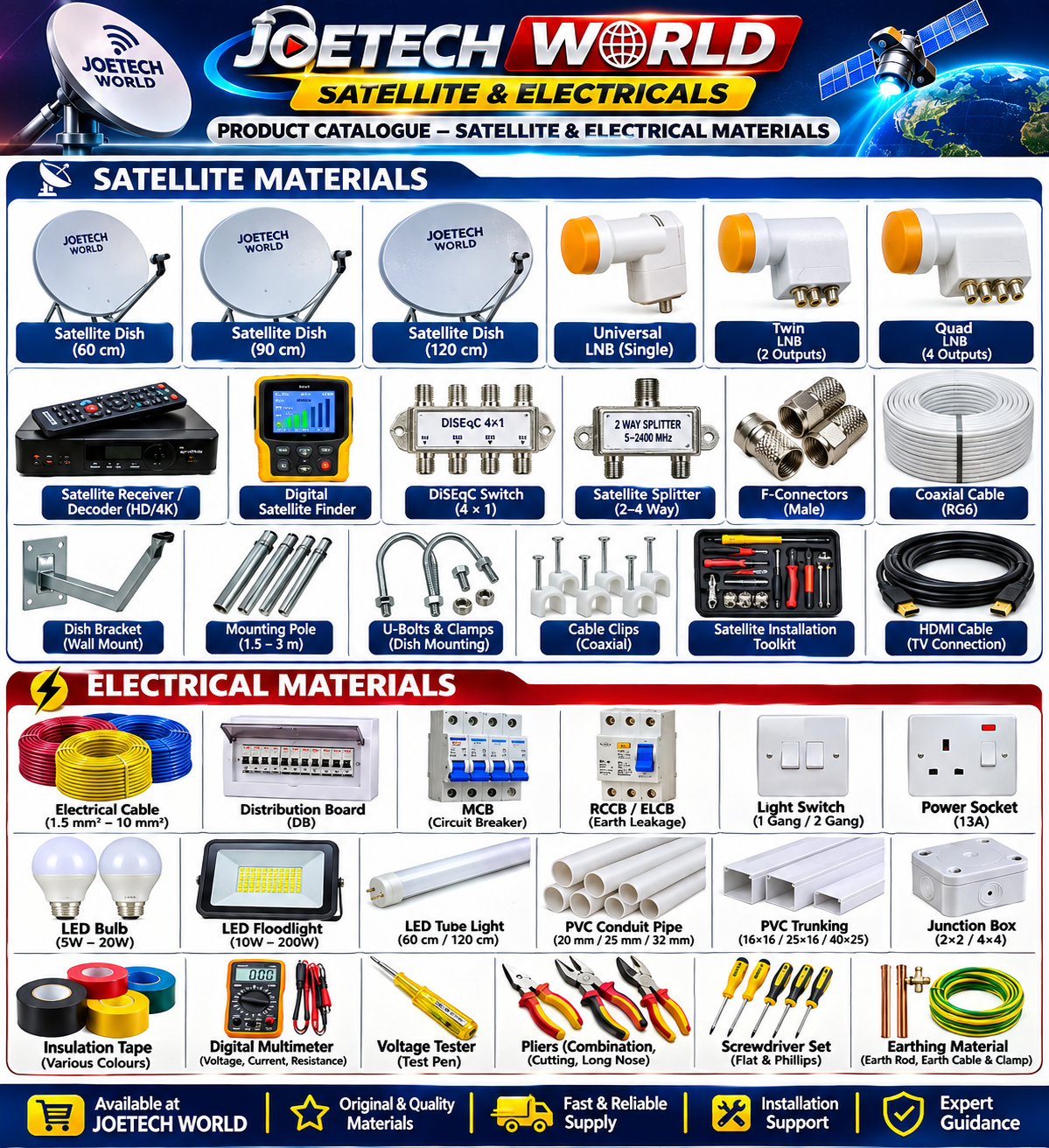
JOETECH WORLD โ€“ Full Satellite & Electrical Materials Catalogue

Browse the product range and read a simple explanation of what each item is used for. Ask JOETECH for current availability, model options, pricing and delivery.

Satellite Materials

Satellite dish โ€“ 120 cm

Satellite dish โ€“ 120 cm

Large dish option for systems that need a larger reflector; check local coverage and mounting requirements.

Enquire about this item โ†’

Electrical Materials

Electrical cable

Electrical cable

Insulated conductors for power and lighting circuits; select conductor size and rating for the installation.

Enquire about this item โ†’
Insulation tape

Insulation tape

Insulating tape for suitable electrical finishing and identification; not a substitute for proper connectors.

Enquire about this item โ†’
Important: Product visuals are original JOETECH WORLD catalogue illustrations. Actual brands, models, dimensions and appearance may vary. Electrical products must be selected and installed to the correct local standards and ratings by a qualified electrician. Never work on live circuits.
Need a real person?

Contact JOETECH

Send your decoder model, location, satellite name, and a description of the problem.

WhatsApp: +233 544 132 409

Chat on WhatsApp โ†—